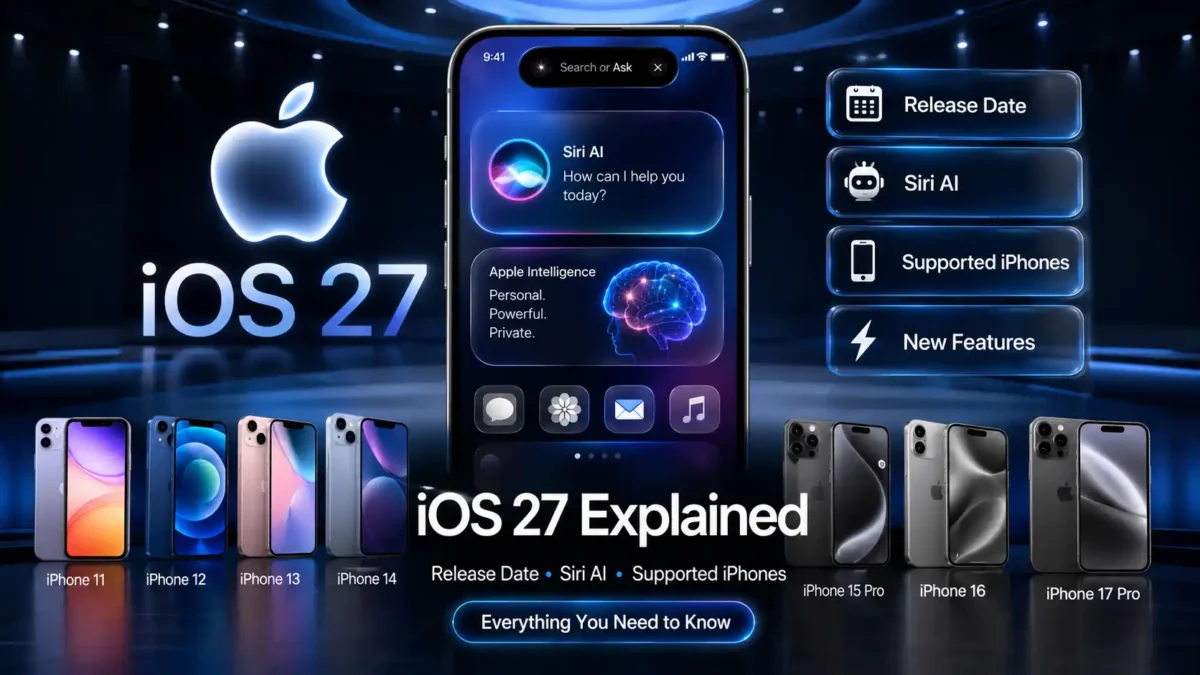

Wondering when iOS 27 actually lands on your iPhone, and whether your phone even qualifies for the good stuff? That question has been climbing fast on Google Trends in India this week, and I don’t blame anyone for being curious. Apple’s next iPhone update touches almost everything, from a rebuilt Siri to a new way parents control screen time, and this guide walks through the release date, the features, and which iPhones actually get the full experience, in plain English.
What Is iOS 27, Exactly?
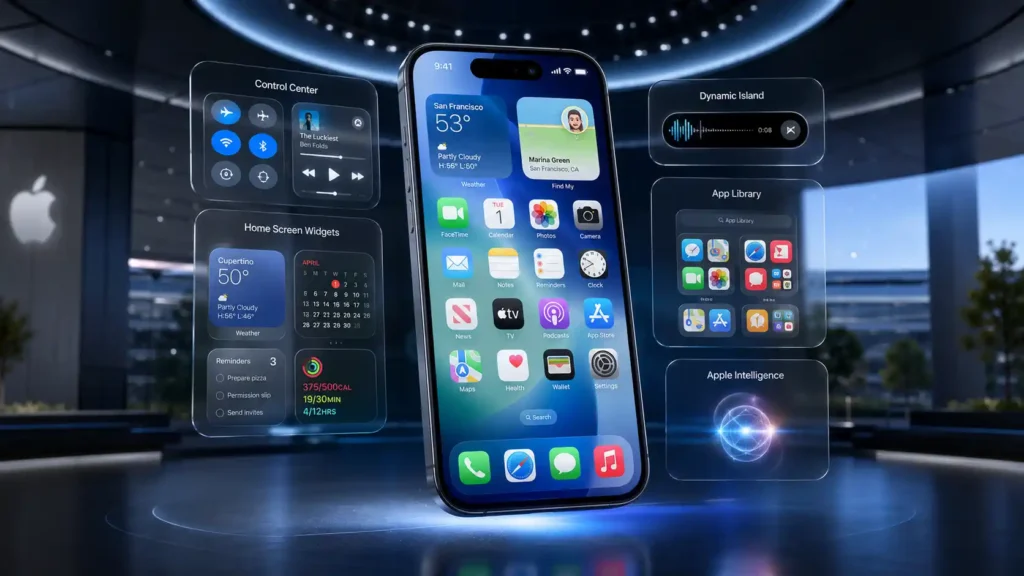
iOS is the operating system on your iPhone, the software running underneath everything you tap, from the lock screen to the App Store. Think of it as the engine and dashboard of a car rolled into one: you don’t see most of it working, but it decides how everything responds the moment you touch the wheel.
iOS 27 is Apple’s 20th major version of that software, and Apple showed it off at WWDC 2026 on June 8, its yearly conference for developers. This year’s event carried extra weight, because it also happened to be Tim Cook’s last keynote as CEO, with hardware chief John Ternus stepping into the role on September 1, 2026. So iOS 27 isn’t just a routine yearly update, it’s the last major software Apple is shipping under Cook, and probably the first big release people will judge Ternus’s Apple against.
Takeaway: iOS 27 is this year’s big iPhone software update, and it’s arriving at a moment of real change inside Apple too.
When Is the iOS 27 Release Date?
Apple hasn’t announced an exact iOS 27 release date yet, but the beta schedule so far gives a clear picture of where things stand:
- June 8, 2026: Developer beta 1 arrives at WWDC, the first version to leave Apple’s own building.
- June 22, 2026: Developer beta 2 rolls out, and early testers call it unusually stable for this early in the cycle.
- July 7, 2026: Developer beta 3 lands, and iPhone users in India get 5G+ support for Jio, Airtel, and Vi.
- July 13, 2026: Public beta 1 opens up, so anyone with a supported iPhone can try it for free.
- July 20, 2026: Developer beta 4 adds two new Siri voices with adjustable pace and expressiveness.
- July 22, 2026: Public beta 2 follows a couple of days later.
- Expected mid-September 2026: The official iOS 27 public release date should arrive, most likely around September 14, alongside the new iPhone 18 lineup.
I’d treat that September date as a strong guess rather than gospel, since it matches Apple’s usual pattern of shipping its big yearly update during the second week of September, but Apple has shifted it by a week or so in past years.
Siri AI: The Biggest Change in iOS 27
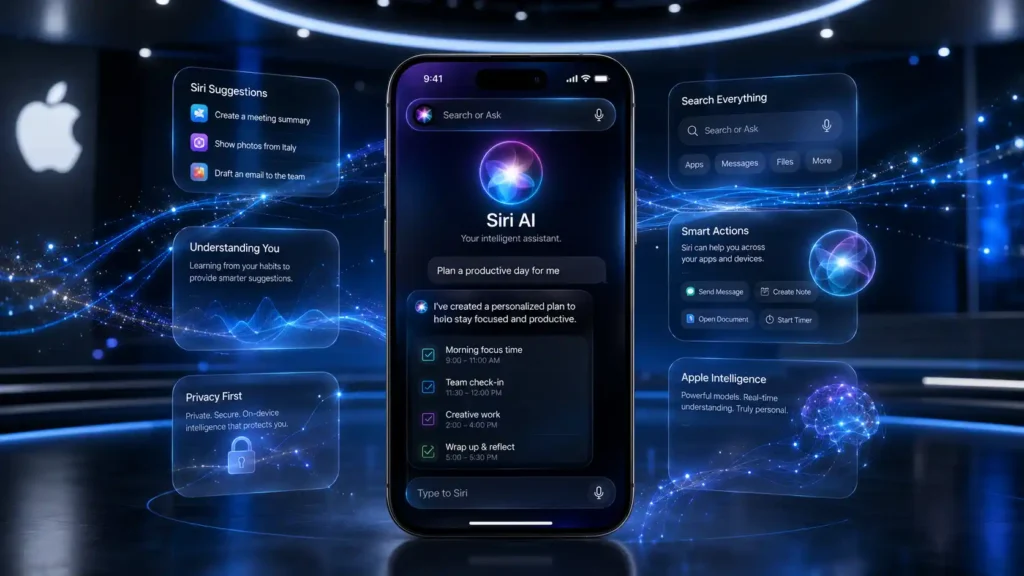
The headline feature in iOS 27 is Siri AI, a from-the-ground-up rebuild of Siri. Apple built the new brain using its own Apple Foundation Models, and also partnered with Google to plug in Gemini, Google’s AI system, so Siri can actually follow a real conversation instead of just reacting to fixed commands.
You reach it by saying “Hey Siri” or swiping down from the middle of the top of your screen. The pill-shaped Dynamic Island stretches into a “Search or Ask” box with a glowing cursor, waiting for whatever you type or say next.
Old Siri worked like a shop assistant reading from a fixed script: ask something outside the script, and it just didn’t understand. Siri AI works more like a well-read friend, who might not know everything, but who can usually catch what you actually mean.
One thing worth flagging: Siri AI won’t be available in the EU at launch because of regulatory constraints there. That restriction doesn’t apply to India.
Takeaway: Siri AI is the star of iOS 27, but as the next section covers, it doesn’t run the same way on every iPhone.
Which iPhones Support iOS 27 (and Which Get Siri AI)?
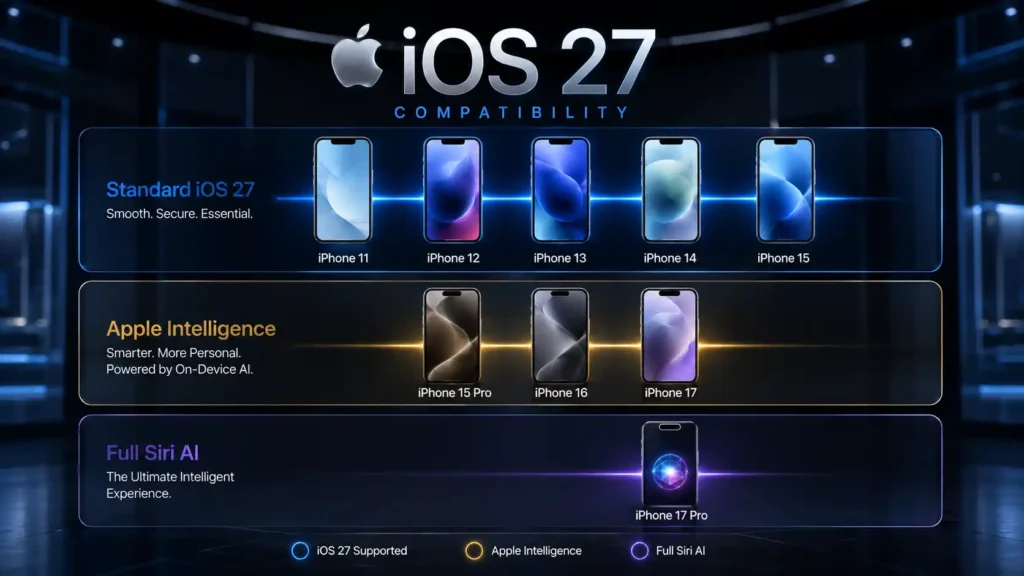
This is where a lot of the confusion online comes from, so it helps to think of it as three separate tiers, not one simple yes-or-no list.
- iOS 27 with no AI features: iPhone 11, 11 Pro, 11 Pro Max, the 12 series, 13 series, 14 series, iPhone 15, iPhone 15 Plus, and both SE models all install the update just fine, but Apple Intelligence and Siri AI stay switched off on these.
- iOS 27 with standard Siri AI and Apple Intelligence: iPhone 15 Pro, iPhone 15 Pro Max, and the whole iPhone 16 lineup get the AI features, just not the fanciest version of them.
- iOS 27 with the full Siri AI experience: only the iPhone 17 Pro, iPhone 17 Pro Max, and iPhone Air run Apple’s most powerful on-device model, which unlocks expressive Siri voices and the most advanced dictation. Oddly enough, the standard iPhone 17 misses out on this top tier entirely.
Here’s the mix-up to avoid:
Bad example: “My phone updates to iOS 27, so I’ll have Siri AI.” Better example: “My phone updates to iOS 27, but Siri AI only shows up if I own an iPhone 15 Pro or something newer.”
Takeaway: getting the update and getting the AI are two different things, so check where your model falls before you get your hopes up.
Other New Features Worth Knowing About
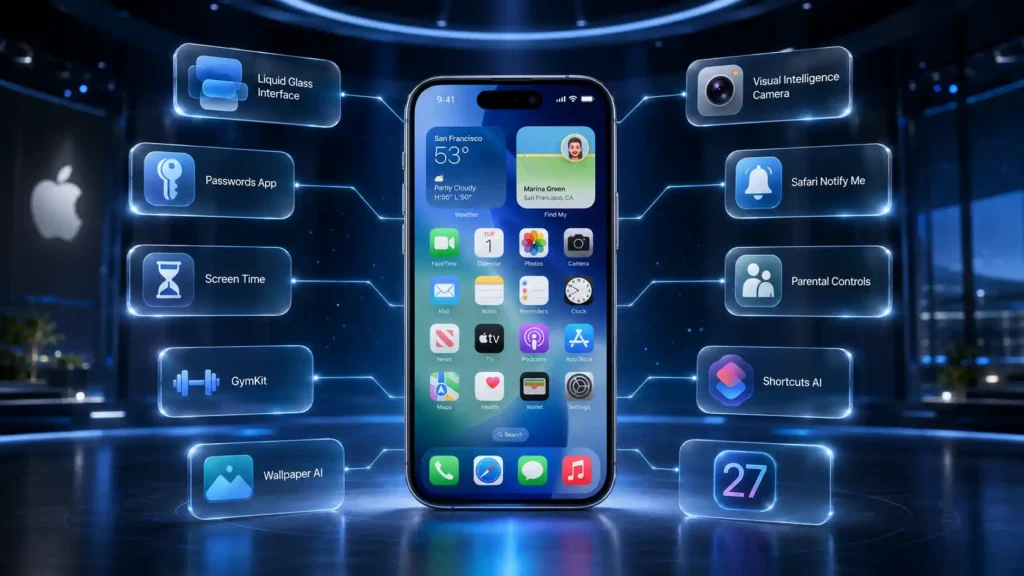
Siri AI gets all the headlines, but a lot of iOS 27’s real day-to-day value sits elsewhere:
- A dial for Liquid Glass: last year’s see-through design now has a slider, so you can tone down or turn up the glass effect across your Home Screen.
- Camera and Photos get smarter: Visual Intelligence moves into the Camera app with a new Siri mode, and a wallpaper extension feature uses AI to stretch a photo so it fills your entire Lock Screen naturally.
- Screen Time and parental controls, rebuilt: parents can set Time Allowances for categories like games, entertainment, and social media, with Apple suggesting limits based on a child’s age.
- The Passwords app fixes itself: it can now use Safari to automatically swap out weak or leaked passwords for strong ones, without you lifting a finger.
- Safari’s “Notify Me”: tell Safari to keep checking a webpage on your behalf, and it pings you when something changes, handy for tracking a delivery slot or an exam result page.
- Shortcuts describes itself: a new “Describe a Shortcut” tool lets Apple Intelligence build an automation from a plain-English description, instead of you dragging blocks around by hand.
- Everything feels faster: animations, app launches, AirDrop transfers, and even opening the keyboard all get a noticeable speed bump, most beta testers notice it within minutes of installing.
- Fitness gets GymKit on iPhone: you can now pair your phone directly with gym equipment for workout data, without needing an Apple Watch at all.
Takeaway: iOS 27 isn’t only about AI, a good chunk of the update is Apple simply tightening bolts across apps people already use every day.
What Does iOS 27 Mean for iPhone Users in India?
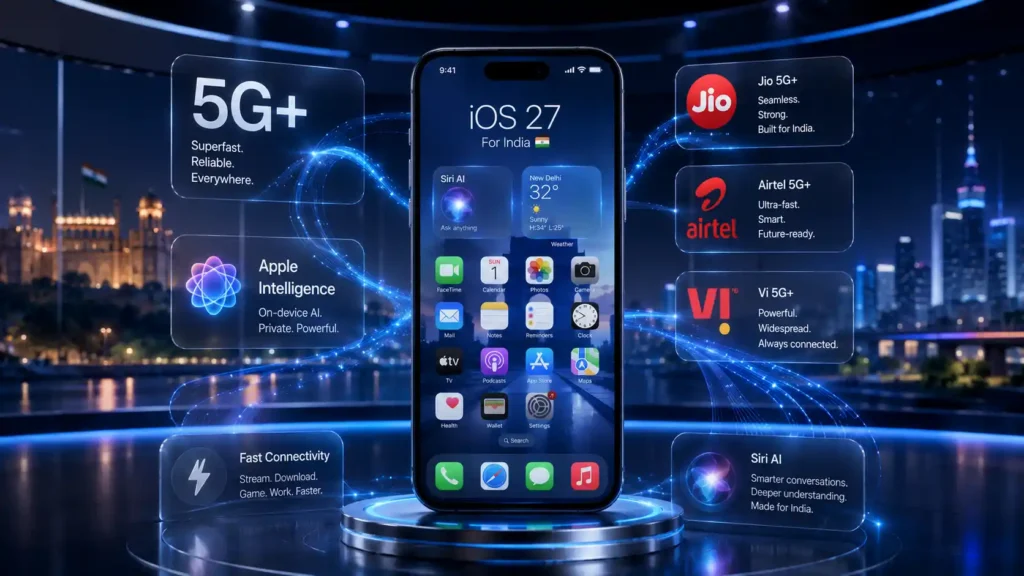
A few things are worth flagging specifically for readers in India. First, developer beta 3 added 5G+ support for Jio, Airtel, and Vi, so carrier speeds should improve once the stable release lands. Second, most of the AI features everyone’s talking about need an iPhone 15 Pro or newer, and that phone’s cheapest configuration launched in India at around ₹1,34,900, which is worth knowing before you assume your current phone will suddenly feel like it’s running ChatGPT.
I’ve noticed a lot of the Google Trends searches from India are really asking one question in different words: will my phone actually feel different after this update? For most people running an iPhone 11 through 14, the honest answer is faster and more polished, not dramatically smarter, since the AI centerpiece stays locked to newer hardware.
Should You Install the iOS 27 Public Beta?
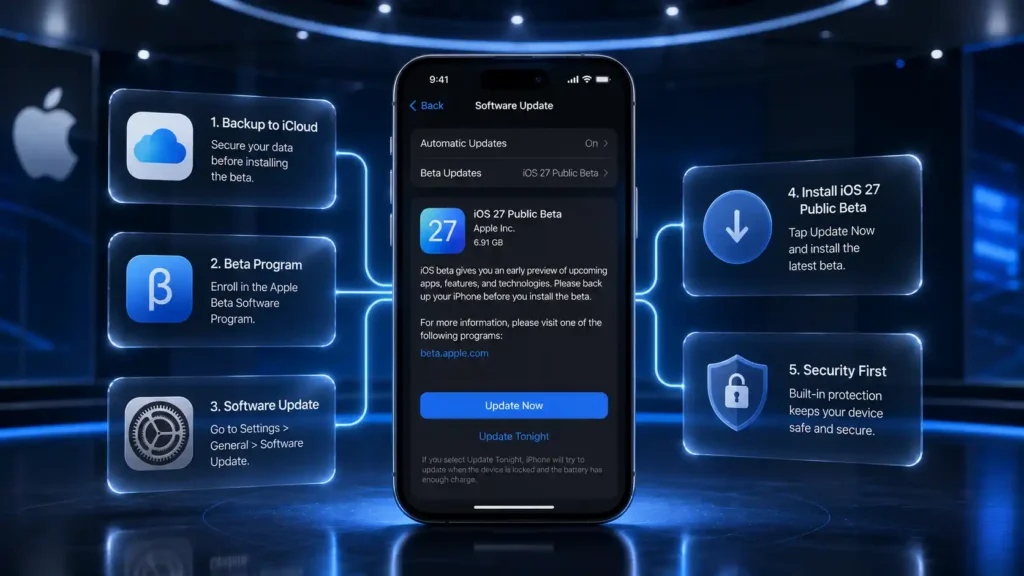
If you’re tempted to jump in early, here’s the safe way to do it:
- Back up your iPhone to iCloud or a computer first, since beta software can have bugs.
- Go to beta.apple.com on your iPhone and sign up or sign in with your Apple Account.
- Accept the terms to enrol in Apple’s Beta Software Program.
- Open Settings, then General, then Software Update, and install the beta profile from there.
Bad example: installing the public beta straight onto the one iPhone you rely on for work calls, banking apps, and everything else. Better example: installing it on a spare or older iPhone first, and waiting for a couple of bug-fix updates before you even think about touching your main phone.
Takeaway: these betas are more stable than Apple’s usual early releases, but “more stable than usual” for beta software still isn’t the same thing as finished software.
Common Mistakes to Avoid With iOS 27
- Assuming update access equals AI access: your iPhone can run iOS 27 fine, and Siri AI still needs an iPhone 15 Pro or newer to switch on at all.
- Installing the beta without a backup: skip this step, and a rough beta build can cost you photos, messages, or app data you actually care about.
- Treating September 14 as confirmed: it’s a solid guess based on past years, but Apple hasn’t announced an exact date yet.
- Expecting the iPhone 17 to get every Siri AI feature: only the 17 Pro, 17 Pro Max, and iPhone Air get the full set, so the standard iPhone 17 misses the top tier.
- Confusing developer beta with public beta: developer betas arrive first and run rougher, public betas follow about a week later and are meant for everyday testers, not just app developers.
Frequently Asked Questions About iOS 27
When will iOS 27 be released?
Apple hasn’t confirmed an exact date, but the official iOS 27 launch date is expected in mid-September 2026, most likely around September 14, alongside the new iPhone 18 series.
Does my iPhone support iOS 27?
Yes, if you own an iPhone 11 or newer, including both SE models, iOS 27 will install. Apple Intelligence and Siri AI, however, only run on an iPhone 15 Pro or later.
What is Siri AI?
It’s the rebuilt version of Siri in iOS 27, built using Apple’s own Foundation Models along with Google’s Gemini technology, so it can hold something closer to a real conversation instead of just following fixed commands.
Is Siri AI available in India?
Yes. The regulatory restriction Apple mentioned applies to the EU, not India, though the feature is still limited to iPhone 15 Pro and newer hardware regardless of where you live.
Is it safe to install the iOS 27 public beta?
It’s reasonably stable for a beta version, but Apple and most reviewers still recommend backing up first and keeping it off your main, everyday phone.
Will I need a new iPhone for iOS 27?
No. iOS 27 itself runs on an iPhone 11 or later, and you’d only need a newer model if you specifically want the full Siri AI and Apple Intelligence features.
Conclusion
So, back to the question that probably brought you here: iOS 27 is real, it’s already in public beta, and it’s landing on nearly every iPhone from the last five years, whether or not your specific model gets the fanciest Siri AI tricks. If you’re curious, the safest way in is the public beta on a spare device, and if you’d rather wait, September isn’t far off. Either way, keep an eye on your Settings app over the next few weeks, because this is one update worth paying attention to. And if you do end up trying the beta, I’d start with the small stuff, Safari’s Notify Me feature or the new Passwords behavior, before you judge Siri AI on day one.

 TechPro Master